
Let your clients pay online.
Your clients pay their invoices by card in a few clicks. The payment goes straight into your account and is recorded automatically in izyPet.
Card payments
Payment in a few clicks
A payment button is added to the invoices you send. Your clients can then pay by card straight from the invoice email or from their izyPet account.
A deposit at booking, the balance once the service is done: anything you invoice can be paid online.
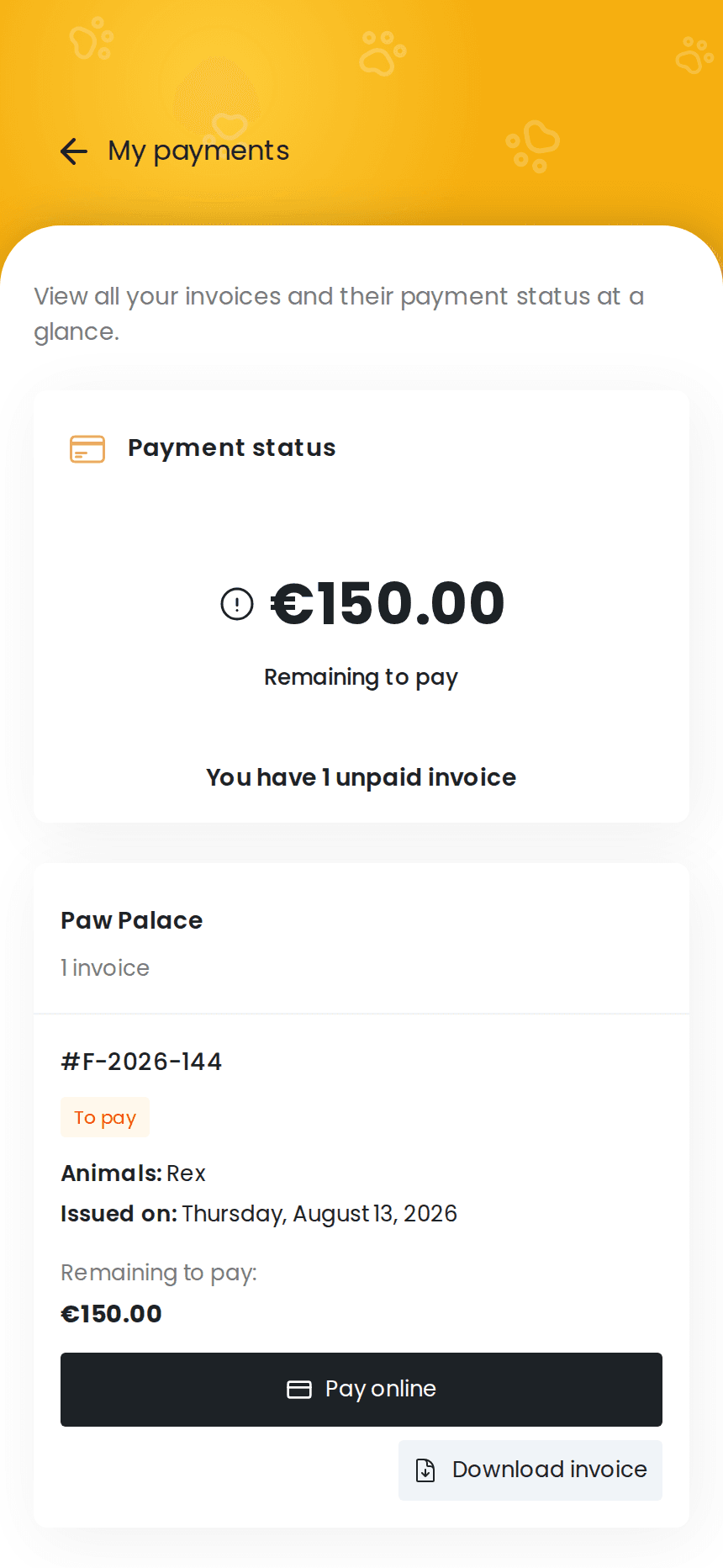
Getting paid
Payment received, invoice updated
The payment comes straight to you, without passing through izyPet, and the invoice is automatically marked as paid. There is nothing to enter by hand.
Fewer payments to handle by hand, and less time spent chasing clients.
Discover invoicing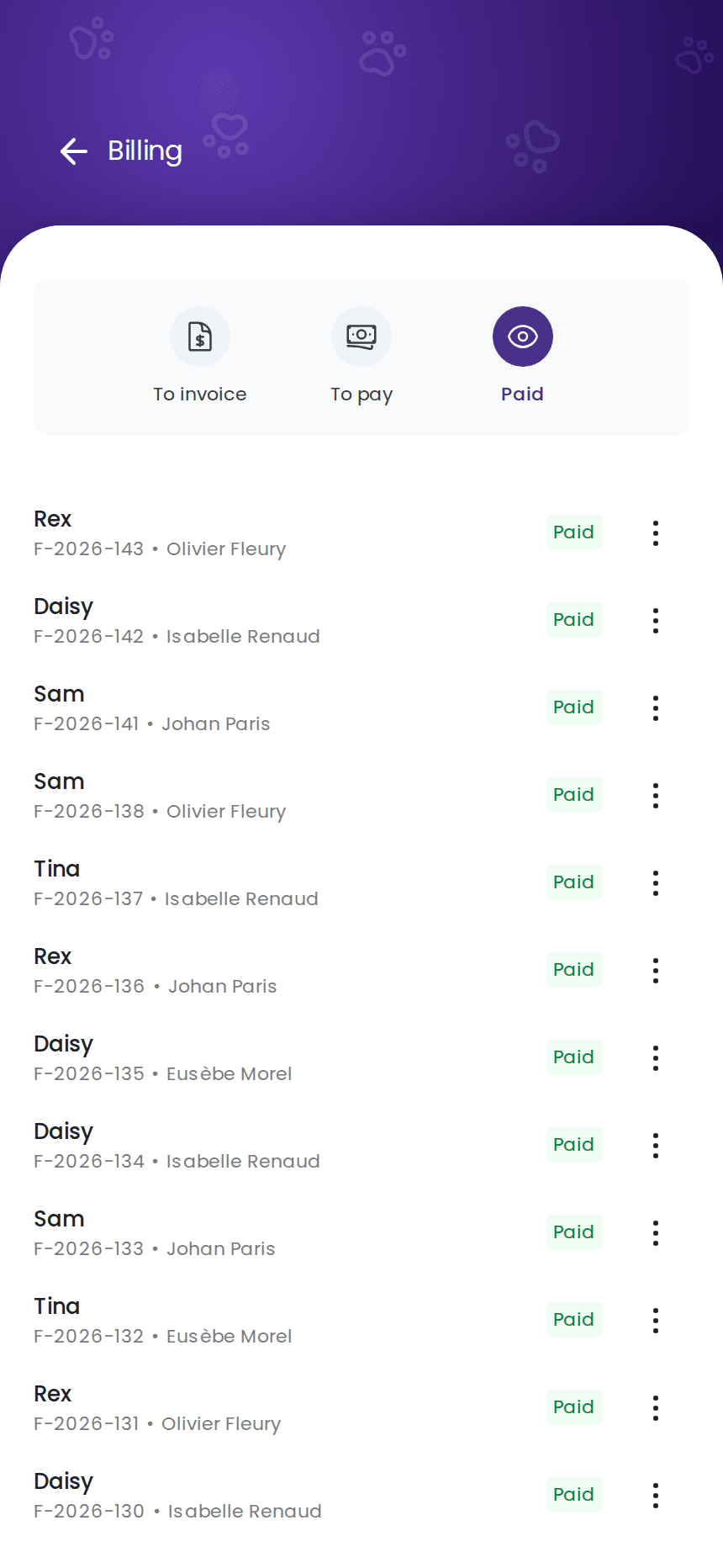
Activation
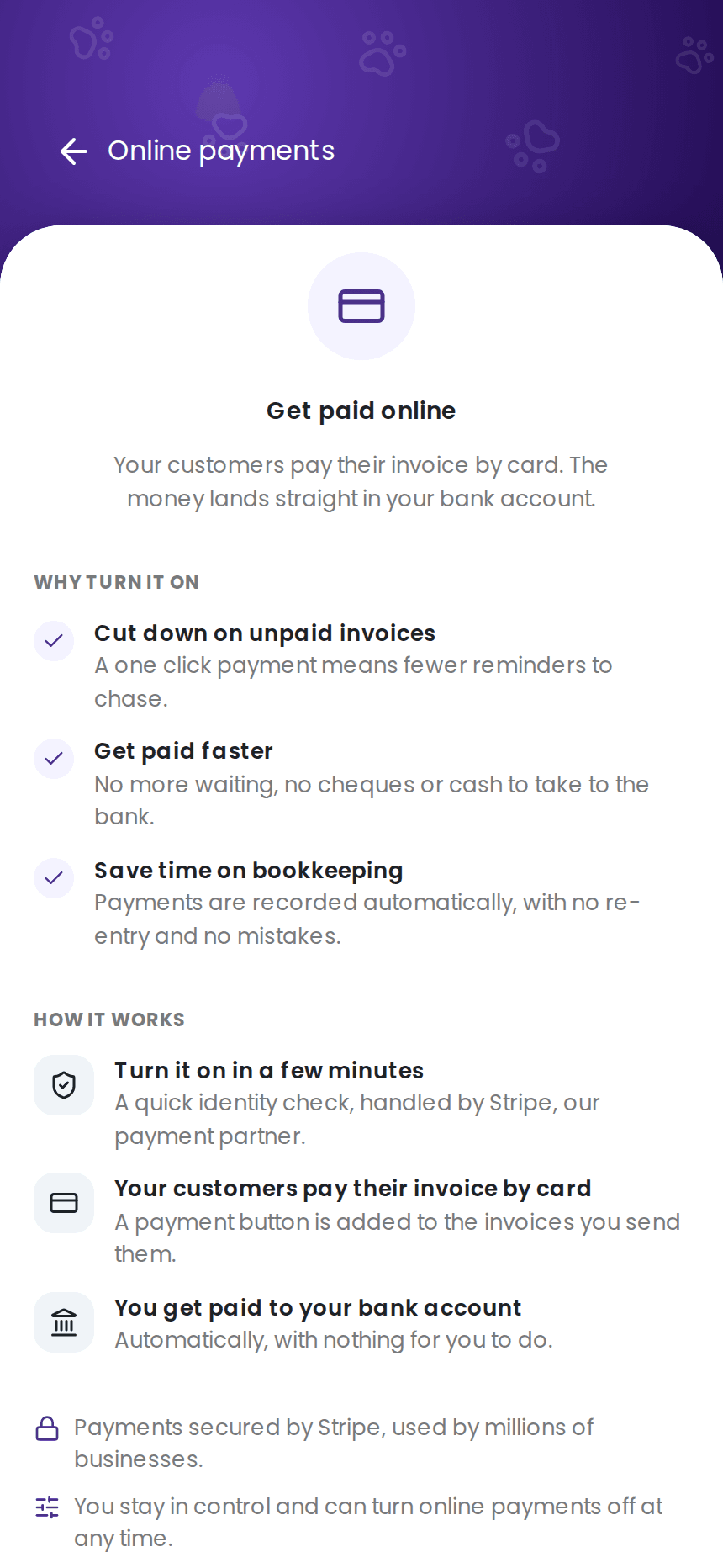
Ready in a few minutes
One identity check, handled by our payment partner, and online payments are ready to use. No account to open anywhere else, no terminal to order, no commitment.
You're free to turn online payments off at any time. Your other payment methods keep working just like before.
No more chasing your money.
Frequently asked questions
How much does it cost?
When do I get the money?
Do my clients need an izyPet account to pay?
Can I still take payment other ways?
What if I have to refund a client?
Is it secure?
Try izyPet for free.
Create your account in a few minutes.
2 months free. No credit card required.